Can AI Build Our Website? Yes. But That’s Not the Real Question.
AI has changed how organizations think about websites.
A few years ago, asking whether artificial intelligence could build a website sounded like a shortcut. Today, it sounds practical.
Website builders can generate layouts. Writing tools can draft page copy. Design platforms can suggest structure. Code assistants can help developers move faster. For organizations with limited time, budget, or internal capacity, that is worth paying attention to.
The appeal is obvious.
A small nonprofit needs a campaign page. A museum wants to promote a temporary exhibit. A municipality has to turn a complicated service description into plain language. A local business needs a simple digital presence without starting from a blank page.
AI can help with all of that.
The better question is not whether AI can build a website. The better question is whether it can build the right website.
That means a site that is accurate, accessible, secure, maintainable, useful, and aligned with how the organization actually serves people.
Those are much higher standards than “generate a homepage.”
A Website Is More Than What Visitors See
AI is very good at producing something that looks finished.
That can be helpful during early planning. It can also create a false sense of readiness.
A polished homepage does not guarantee strong navigation. A clean layout does not prove accessibility. A working form does not confirm privacy, security, or integration quality. A confident-sounding service description may still be inaccurate.
A prototype answers one basic question: can this idea become visible?
A production website has to answer more important ones:
- Can users find what they need?
- Does the content reflect real services, policies, and processes?
- Will staff be able to update it without breaking quality?
- Is the structure accessible across devices and assistive technologies?
- Are forms, plugins, hosting, analytics, and integrations handled responsibly?
- Does the site support the organization’s goals beyond launch day?
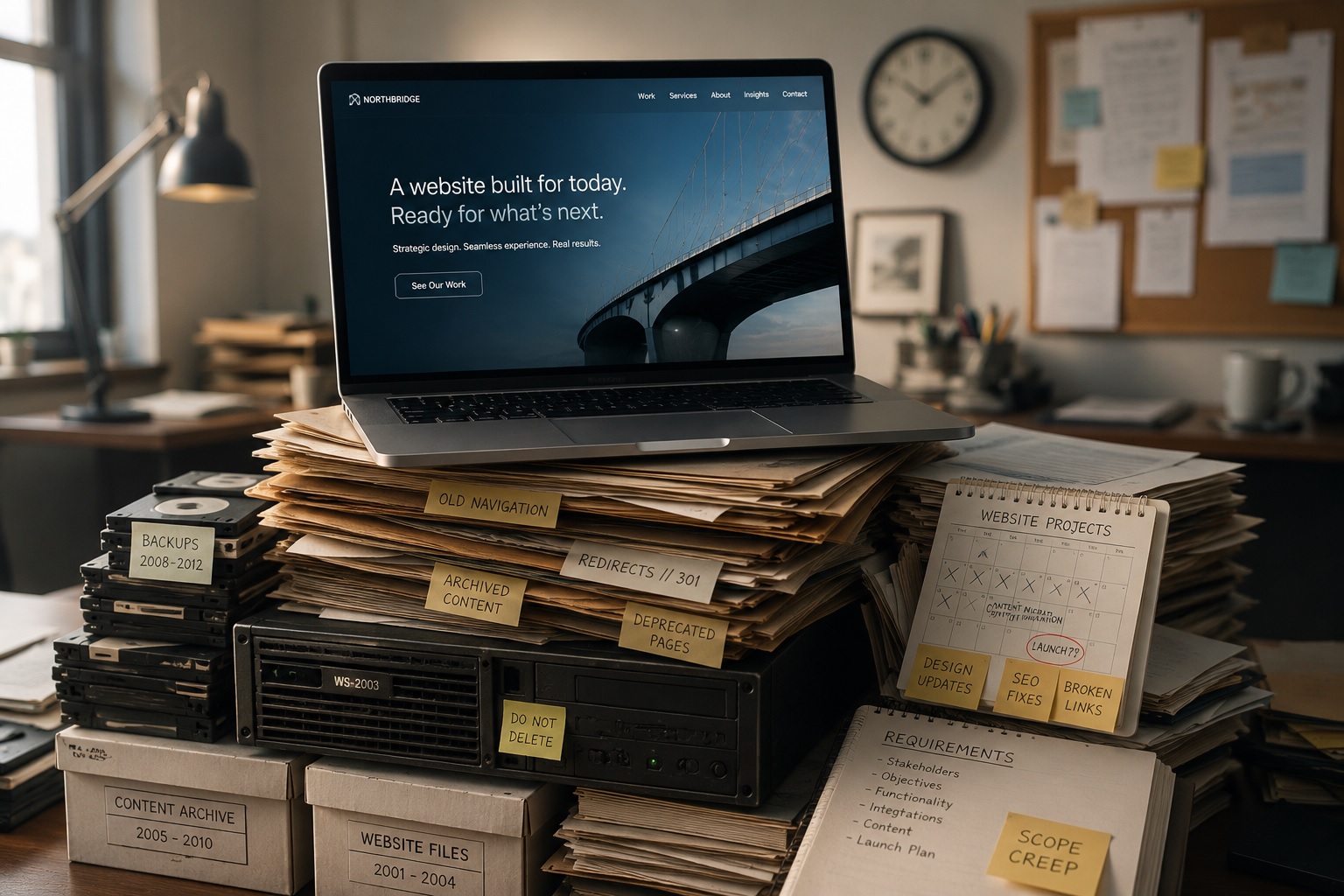
That is where many AI-only or low-cost website projects run into trouble. The work moves quickly through design and copy, then slows down when the organization needs decisions about governance, accessibility, content ownership, technical structure, and long-term support.
Speed matters. Readiness matters more.
Where AI Helps in a Website Project
AI belongs in website work. Used well, it can reduce repetitive tasks and help teams get to better conversations sooner.
During discovery, it can organize stakeholder notes, identify common audience needs, draft interview questions, and turn scattered ideas into useful planning material.
For content preparation, it can summarize existing pages, flag duplication, suggest plain-language rewrites, and help teams see where their website has become cluttered.
In early copywriting, it can create draft introductions, calls to action, FAQ ideas, and alternate versions for different audiences.
For design exploration, it can produce sample page structures, wireframe concepts, and layout options before a team commits to a final direction.
On the development side, AI coding tools can help with boilerplate code, documentation, debugging support, and routine implementation tasks.
These are real benefits.
The key is knowing where the tool fits. AI is strongest when it supports draftable, repeatable, or exploratory work. It becomes risky when it starts making decisions that require accountability.
Where AI Creates Risk
A website for a public-facing organization carries responsibility.
That responsibility may involve accessibility, privacy, cybersecurity, search visibility, service delivery, staff workflows, public trust, and long-term maintenance. A prompt cannot own those outcomes.
Accuracy is one concern. AI-generated content can sound right while getting details wrong. Incorrect hours, eligibility rules, fees, program details, service instructions, or policy summaries can create confusion and damage trust.
Accessibility is another. The W3C’s WCAG 2.2 guidelines organize accessibility around perceivable, operable, understandable, and robust experiences, with testable success criteria across levels A, AA, and AAA. That work depends on structure, navigation, contrast, labels, error handling, alt text, readable content, and full user journeys.
Security needs equal attention. The OWASP Top 10 is a widely used awareness document for critical web application security risks, which reinforces why generated code, third-party tools, plugins, hosting, access control, and updates all need review.
Privacy cannot be treated as an afterthought either. The Office of the Privacy Commissioner of Canada has published guidance on applying privacy principles when developing, providing, or using generative AI tools and services.
Brand clarity can also suffer. Without strong guidance, AI tends to produce average language. Museums become “vibrant cultural destinations.” Municipalities become “great places to live, work, and invest.” Nonprofits become “dedicated to making a difference.”
Those lines are familiar because they could belong to almost anyone.
A strong website needs positioning, proof, user understanding, and editorial judgment. Generic content may fill space, but it rarely builds confidence.
Simple Sites and Serious Sites Need Different Approaches
AI-assisted tools may be enough for a low-risk website.
A temporary event page, basic campaign landing page, early business placeholder, personal portfolio, or first-draft microsite can often start with AI support. The organization should still review the content, test forms, check mobile usability, protect sensitive information, and confirm basic accessibility.
The risk changes when a website supports public service, operations, revenue, compliance, or personal data.
Municipal websites, nonprofit service platforms, museum websites, donation systems, permit workflows, membership portals, consultation tools, ecommerce sites, bilingual service sites, and complex content migrations need more than generation.
They need planning.
Testing.
They need ownership.
They need support after launch.
This does not remove AI from the process. It puts AI in the right place.
The Better Question for Leadership Teams
“Can AI build our website?” is too broad.
A more useful procurement question is:
Which parts of this website project can AI safely accelerate, and which parts require expert oversight?
That framing helps leadership teams avoid two common mistakes.
The first is rejecting AI completely and missing opportunities to save time.
The second is trusting automation with responsibilities it cannot carry.
AI can support planning, outlining, first-draft content, content cleanup, layout exploration, code assistance, documentation, testing checklists, and staff training materials.
Human teams should remain responsible for strategy, audience needs, service design, accessibility, privacy, security, technical architecture, content approval, integrations, governance, launch quality, and long-term support.
That division is practical. It lets organizations benefit from AI without pretending the tool can be accountable for the final result.
AI Can Help Build the Website. It Cannot Be Responsible for It.
AI is already changing how websites are planned, written, designed, and developed.
Used with care, it can reduce repetitive work, speed up drafts, improve content preparation, support developers, and help organizations explore ideas faster.
Handled poorly, it can create generic messaging, inaccurate information, inaccessible experiences, insecure code, privacy risk, and a website that looks ready before it truly is.
For leadership teams, the decision is no longer whether AI belongs in website work. It does.
The real decision is where it belongs.
A successful website is not successful because it was generated quickly. It works because people can use it, trust it, maintain it, and act on it.
That still requires human judgment.
Next in the series: We look at what happens after launch, especially when an organization already has someone managing the website.

Categories
- Accessibility & Inclusive Design
- Awards, Media & Recognition
- Digital Governance & Risk
- Government & Civic Technology
- Hosting, Maintenance & Website Care
- Interactive Experiences & Digital Storytelling
- Museums, Heritage, & Art Organizations
- Pattern in Practice
- Research, Prototyping & Emerging Technology
- Websites, UX & Digital Platforms